



You launched an AI customer service agent. Tickets are getting answered faster. But is it actually solving customer problems? Most Shopify brands and eCommerce teams never stop to check. They treat deployment as the finish line. It is not. Knowing which metrics to track is what tells you whether your AI customer service agent is performing or just making noise.
This blog covers the metrics that matter, the benchmarks to aim for, and the mistakes to avoid.
Why AI Customer Service Agent Metrics Matter
Most teams look at ticket volume and call it a day. Volume tells you nothing about quality.
Your AI agent might be handling 500 conversations daily. But if customers are leaving those conversations without a resolution, your CSAT drops and your brand takes a hit. According to Gartner, 80% of customer interactions will be handled by AI by 2025. The brands winning that shift are measuring outcomes, not just activity.
Tracking the right AI customer service agent metrics helps you:
- Identify where the AI breaks down
- Spot gaps in your knowledge base
- Reduce unnecessary escalations to human agents
- Connect support performance directly to retention and revenue
The Metrics That Actually Evaluate Your AI Customer Service Agent
These are the numbers that give you a real picture of performance. Not vanity stats.
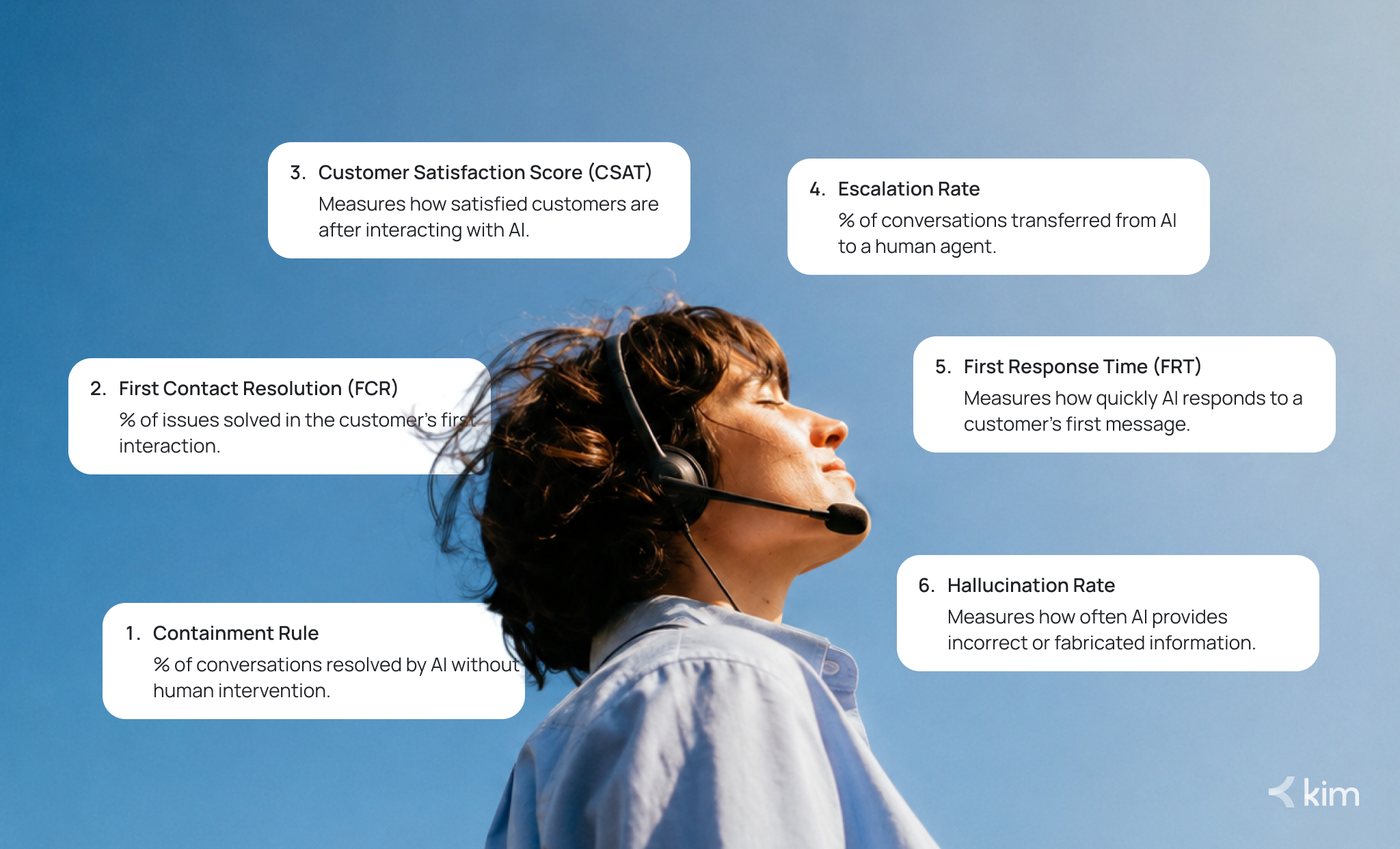
Containment Rate
Containment rate is the percentage of conversations your AI resolves completely, without a human stepping in.
Formula: (Conversations resolved by AI / Total AI conversations) x 100
Most AI agents start at 20 to 40% containment. Mature implementations reach 70 to 90%. For eCommerce, a healthy target is 70 to 80%.
Watch out for how vendors define "contained." Some count any conversation the bot responded to, including ones where the customer gave up. Always measure containment rate alongside CSAT. High containment with low CSAT usually means frustrated customers, not happy ones.
First Contact Resolution (FCR)
FCR tracks whether a customer's issue was solved the first time they reached out, with no follow-ups and no repeat contacts.
The industry average sits at 70 to 75%. Teams with strong first contact resolution see 30% higher satisfaction scores than those with low scores. Target 70 to 85% for your AI agent.
If this metric is low, check your knowledge base first. Outdated or incomplete information is the most common cause.
Customer Satisfaction Score (CSAT)
CSAT measures how customers feel after interacting with your AI. It is typically collected through a short post-chat survey.
A healthy score for AI interactions is 80% or above. If it dips below that, do not just look at the number. Read the comments. Are customers frustrated with the AI specifically? Or with the problem that brought them there?
Segment your satisfaction scores by topic, not just overall. A score of 4.5 on a billing query and 4.5 on a shipping query are very different signals.
Escalation Rate
Escalation rate is the percentage of AI conversations handed off to a human agent.
A reasonable range is 15 to 25%. Higher than that means your AI is not equipped for enough query types. Lower than that, check your CSAT carefully. A low escalation rate paired with low satisfaction is a red flag that customers are being stonewalled rather than served.
Escalation rate is your AI's "I cannot handle this" signal. You want it escalating at the right moments, not too often and not too rarely.
First Response Time (FRT)
First response time measures how fast your AI replies after a customer sends their first message. AI should be near-instant, ideally under five seconds.
Customer expectations around response speed increased by 63% between 2023 and 2024, according to HubSpot's State of Service report. If your first response time is lagging, look for integration bottlenecks or knowledge base load issues.
Hallucination Rate
This one is specific to AI and you cannot ignore it.
Hallucination rate measures how often your AI generates incorrect or fabricated information. In customer service, a wrong answer damages trust and can create real compliance problems. Industry leaders target hallucination rates below 1%. The best systems reach as low as 0.01%.
To keep hallucination rate low:
- Update your knowledge base regularly
- Use AI tools that flag low-confidence answers
- Set escalation triggers for complex or sensitive queries
- Test your AI with edge-case questions on a set schedule
AI Agent Assist Metrics: When AI Works With Humans
Not every AI customer service agent works autonomously. Some tools surface suggestions and draft replies alongside your human agents. This is AI agent assist, and it needs its own metrics.
According to Freshworks, using AI to sort and route customer contacts adds around 1.2 hours of productive time per agent per day. If your AI agent assist suggestions are being ignored, the recommendations are either irrelevant or arriving too late in the conversation flow.
A Simple AI Agent Evaluation Framework
Tracking individual metrics is useful. Combining them into a review cadence is where the real improvement happens.
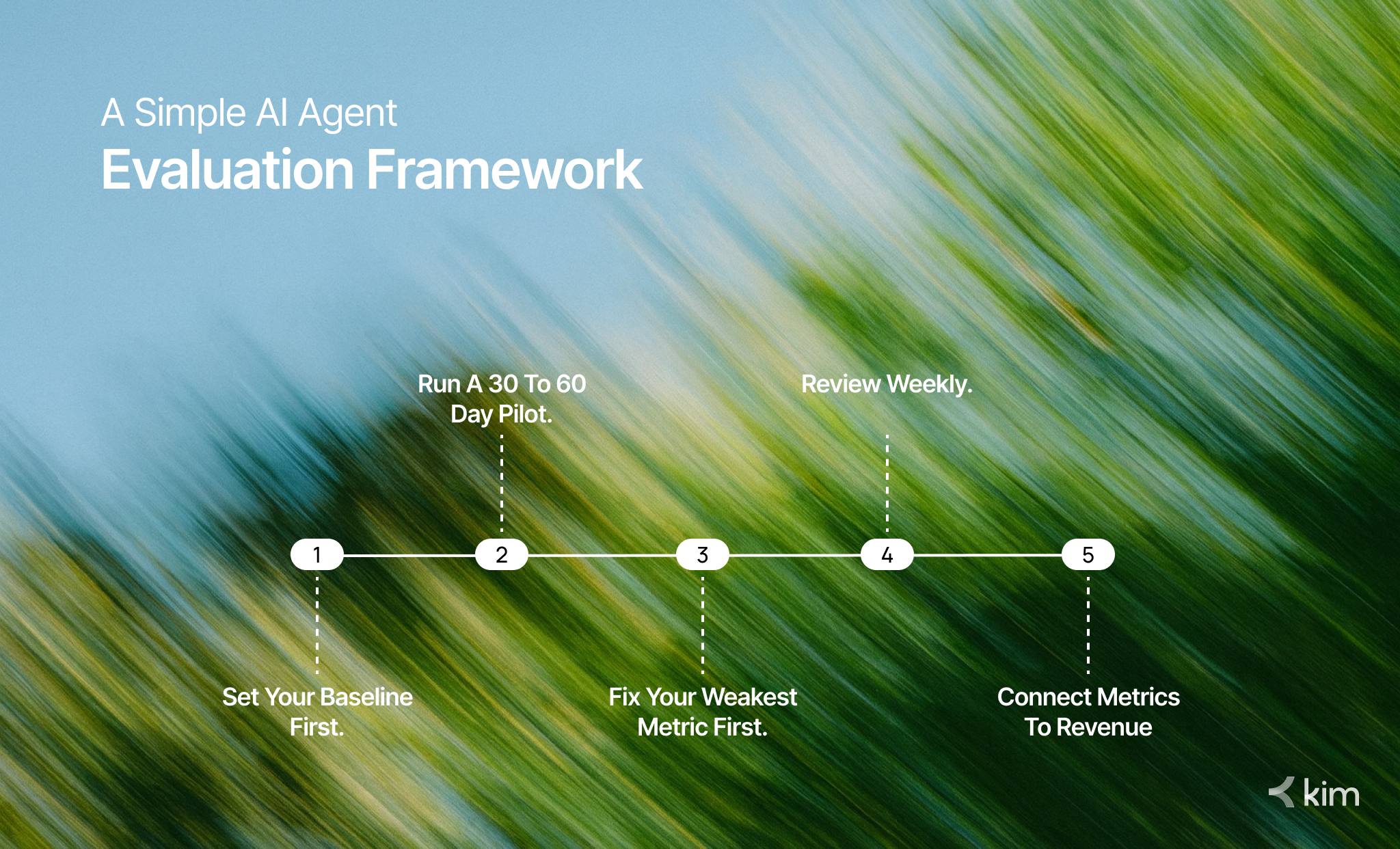
- Set your baseline first. Record your current CSAT, FCR, and escalation rate before making any changes. You need a reference point.
- Run a 30 to 60 day pilot. Let the AI handle real traffic. Collect data across different query types and customer segments before optimizing.
- Fix your weakest metric first. One number is usually dragging everything else down. Whether it is a knowledge base gap or a broken escalation path, address that before anything else.
- Review weekly. AI performance can shift quickly. Weekly reviews let you catch regressions early rather than inheriting a months-long problem.
- Connect metrics to revenue. Tie satisfaction scores and resolution rates to repeat purchase rate and customer lifetime value. Strong AI customer service agent performance directly supports retention.
Tools like Intercom's Fin, Tidio, and kim.cc provide built-in dashboards that make this kind of structured evaluation manageable for lean Shopify teams.
FAQ
Q: What is a good containment rate for an AI customer service agent? A: For eCommerce, target 70 to 80%. New implementations typically start at 20 to 40% and improve as training data and knowledge base coverage improve.
Q: What is the difference between containment rate and deflection rate? A: Deflection rate measures conversations that did not reach a human. Containment rate measures conversations where the customer's issue was genuinely resolved. Containment is the more meaningful quality signal.
Q: How often should I review AI agent performance metrics? A: Weekly reviews catch early regressions. Monthly reviews reveal trends. Quarterly reviews should connect metrics to broader business goals.
Q: How do I reduce my AI agent's hallucination rate? A: Keep your knowledge base current, use tools that flag uncertain answers, and build escalation logic for complex query types.
Conclusion
Deploying an AI customer service agent is step one. Measuring it properly is what actually moves the needle. Track your containment rate, FCR, CSAT, escalation rate, first response time, and hallucination rate. Build a simple review cadence. Connect the numbers to outcomes that matter to your business.
The brands that win with AI support do not just set it and forget it. They measure, learn, and improve continuously. If you want to build an AI customer service agent that performs month after month, start with the right metrics and the right partner. Book a demo with kim.cc to see how Shopify brands are getting this right.


