


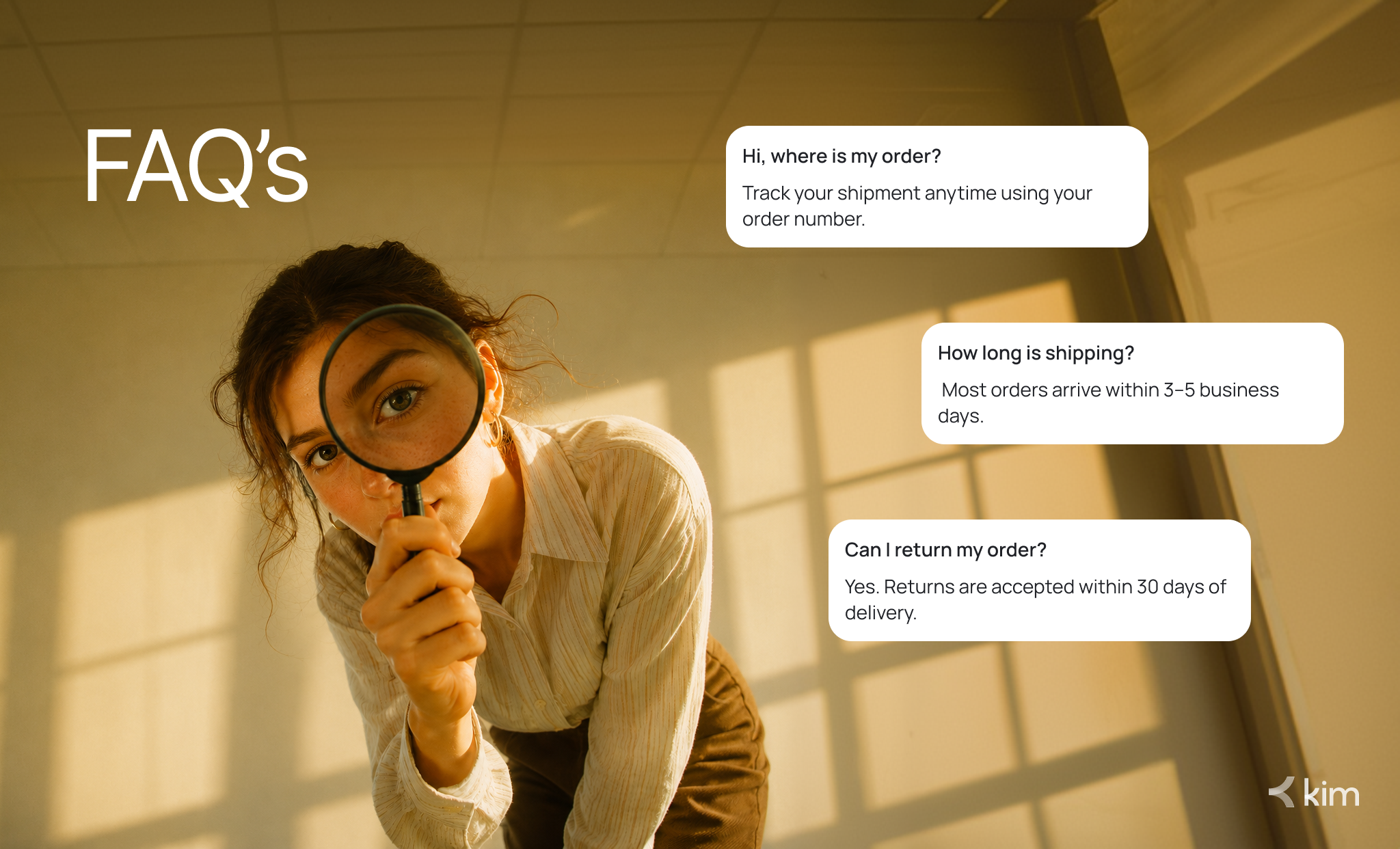
Most Shopify brands focus hard on product pages and ads. But a well-built FAQ page can quietly do just as much work. The best faq page examples show that a frequently asked questions section is one of the most underrated tools in a brand's support stack.
This guide covers why FAQs matter for Shopify brands, five standout faq page examples to learn from, and what your customer support team can steal from each one.
Why Are FAQs Important for a Shopify Brand?
A strong FAQ page does three things at once. It reduces support tickets, builds buyer confidence, and helps customers make faster purchase decisions.
Customers Expect Instant Answers
Today's shoppers do not want to wait for an email reply. They check your FAQ section first. If they do not find an answer, many will leave without buying. A clear, well-structured FAQ page keeps them on your site and moving toward checkout.
FAQs Reduce Repetitive Support Load
Every question your FAQ page answers is one fewer email or chat your team handles. For Shopify brands processing dozens of orders a day, this adds up quickly. A solid FAQ page frees your agents to focus on complex issues that actually need a human touch.
FAQs Build Trust Before Purchase
Frequently asked questions about shipping times, return policies, and product details directly address purchase hesitation. Shoppers who find clear answers are more likely to convert. FAQ page design and tone both signal whether a brand is trustworthy.
5 Best FAQ Page Examples for Customer Support Teams
Here are five faq page examples worth studying, along with the tactics you can apply to your own Shopify store.
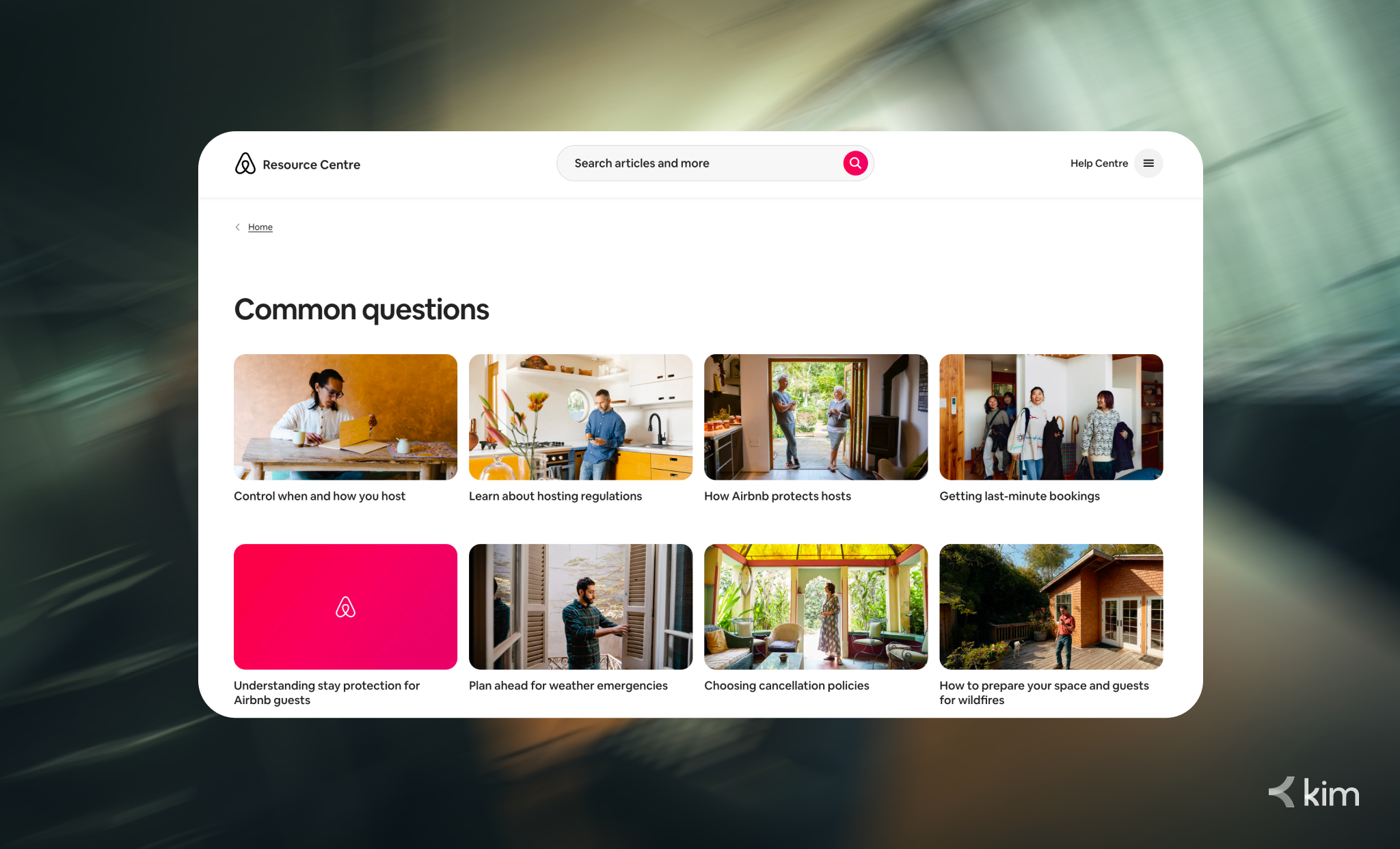
1. Airbnb: Search-First FAQ Page Design
Airbnb puts a search bar at the top of its help center. Visitors type what they need and get instant answers without scrolling through a long list of frequently asked questions.
This is one of the best faq page examples for high-volume brands. When customers self-serve, your support team handles fewer repetitive tickets.
What to steal:
- Add a live search bar at the top of your FAQ section
- Group questions into clear categories like Shipping, Returns, and Billing
- Tag questions with keywords so search surfaces the right results.
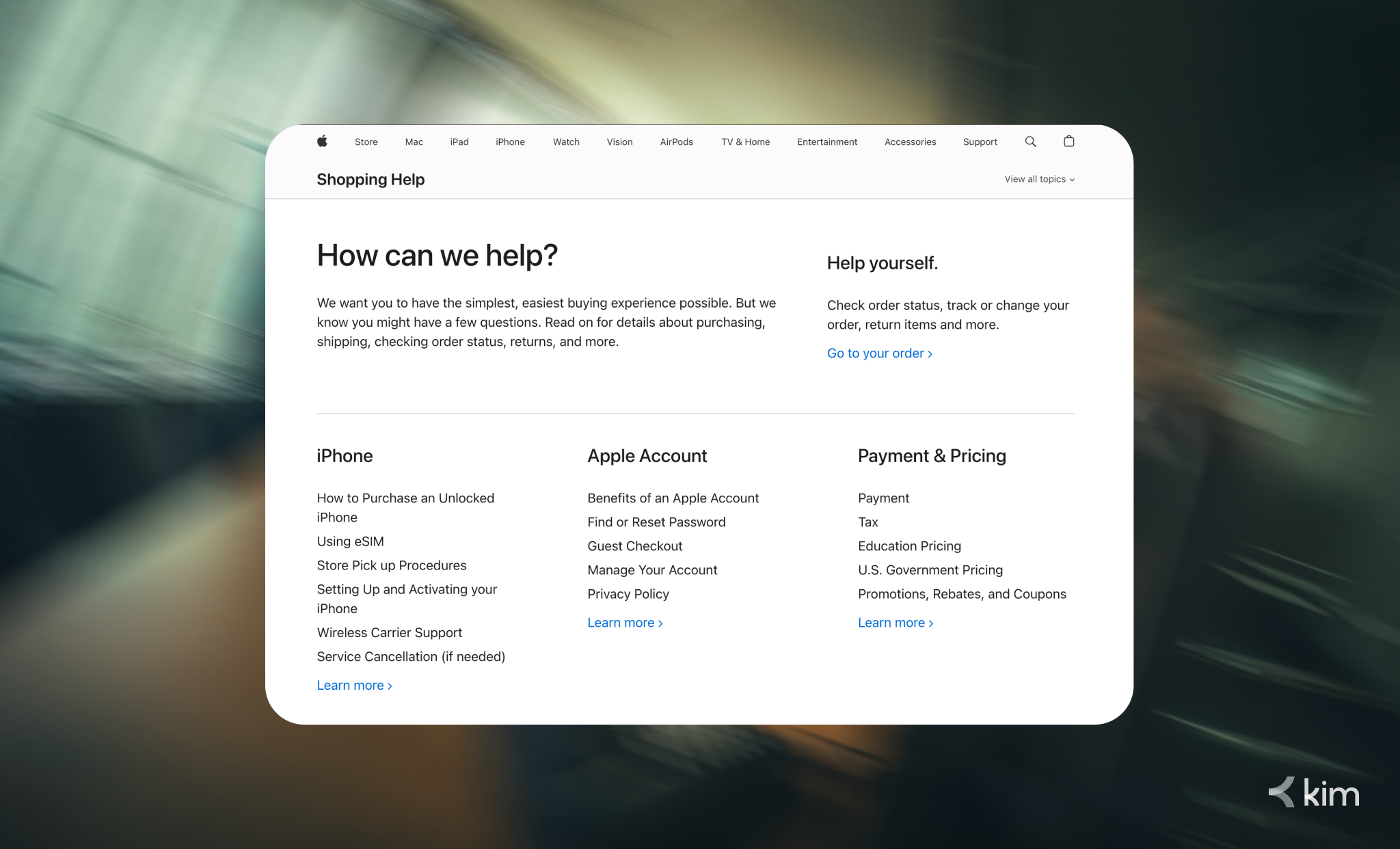
2. Apple: Knowledge Base Software Done Right
Apple's FAQ page works like a full knowledge base. It uses a clean three-tier structure: product category, topic, then individual answer. Each answer links to deeper support documentation.
This approach turns a simple FAQ page template into a scalable self-service hub. It is one of the best faq page examples for brands with wide product ranges.
What to steal:
- Link every FAQ answer to a related help article
- Build your FAQ section on reliable knowledge base software that scales with your catalog
- Use a hierarchy that matches how your customers think, not how your internal team organizes things.
3. Zappos: Human Voice in Every FAQ Answer
Zappos is known for customer experience, and its FAQ page reflects that. Answers are warm, conversational, and occasionally lighthearted. Reading through Zappos FAQ questions and answers feels like talking to a helpful person, not reading a policy document.
That tone reduces anxiety and builds brand loyalty. This approach to faq page design proves that how you answer matters as much as what you answer.
What to steal:
- Write FAQ answers in your brand's natural voice
- Avoid legal or corporate language in customer-facing FAQ documentation
- Add a "Still need help?" call to action at the bottom of every answer, linking to live support.
4. HubSpot: Frequently Asked Questions Template for Segmented Audiences
HubSpot's FAQ section is built for different user types. Marketers, sales teams, and developers each get a tailored frequently asked questions page. Results stay relevant because the audience is already filtered.
This is one of the most useful faq page examples for Shopify brands that serve multiple buyer types, such as retail customers and wholesale buyers.
What to steal:
- Create separate FAQ sections for different customer segments
- Write using the language your customers use, not internal terminology
- Update your frequently asked questions template every quarter using real support ticket data
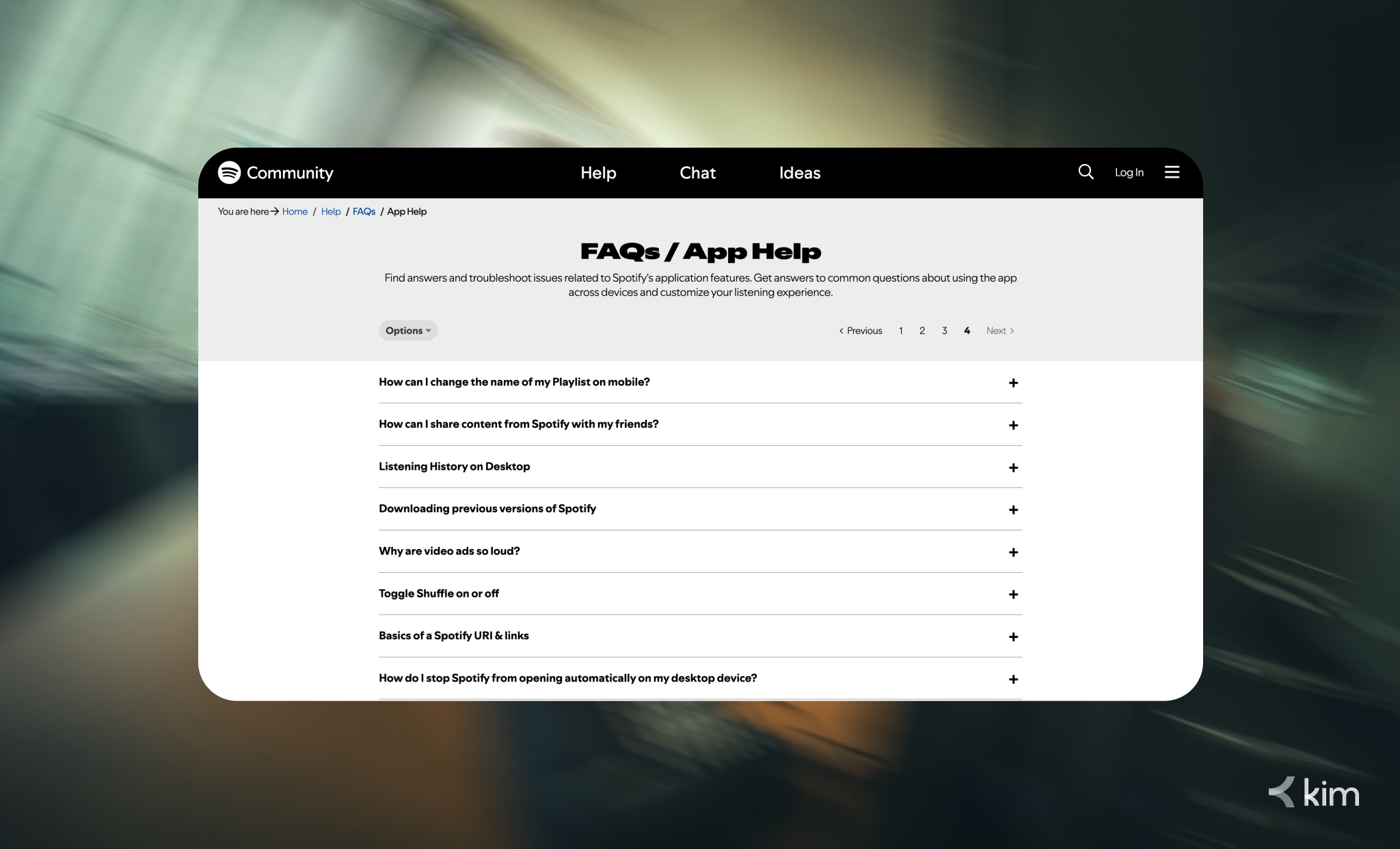
5.Spotify: Visual FAQ Page Design That Reduces Friction
Spotify uses icons, card-based layouts, and bold headings on its FAQ page design. The result is a frequently asked questions page that feels approachable rather than overwhelming.
Good faq page design increases time on page and reduces frustration. When customers immediately understand where to look, they find answers faster and are less likely to contact support.
What to steal:
- Use icons or visuals to separate FAQ categories
- Apply card-based layouts instead of plain text lists
- Keep each answer under 100 words for readability.
How to Start Building a Better FAQ Page Today
Before you open a FAQ page template, do this first: pull your last 30 support tickets and look for patterns. The questions that repeat most are the ones your FAQ section needs to answer first.
Once you have your content, focus on three things: easy navigation, short and clear answers, and a strong call to action on every page. These are the traits every great FAQ page shares, regardless of brand size or industry.
If you are running a Shopify store and your support volume is growing, a virtual assistant can also help you keep your FAQ page updated and your customer questions answered around the clock.
Build an FAQ Page That Actually Reduces Support Tickets
The best faq page examples do more than answer questions. They reduce ticket volume, build customer confidence, and reflect your brand voice at every touchpoint. Start with your most common customer questions, model your faq page design on the examples above, and keep answers short and useful.
Ready to give your customers a faster self-service support experience? Book a free demo with Kim and see how AI-powered virtual assistants can support your FAQ page and customer service operations together.


